1
Try the working demonstration
Nine everyday situations, from publishing a notice to matching a fee with the bank. Each press of Next shows one step and one sentence explaining it, including the moments where the system says no.
Open the demonstration- Press the gold Next button to walk through, or pick a topic in the bar.
- Choose a role under "Acting as" to click the buttons yourself.
- Best on a laptop or desktop. On a phone, use the video below.
2
Watch it in three and a half minutes
A recording of the same demonstration with captions. There is no sound.
3
Read the presentation
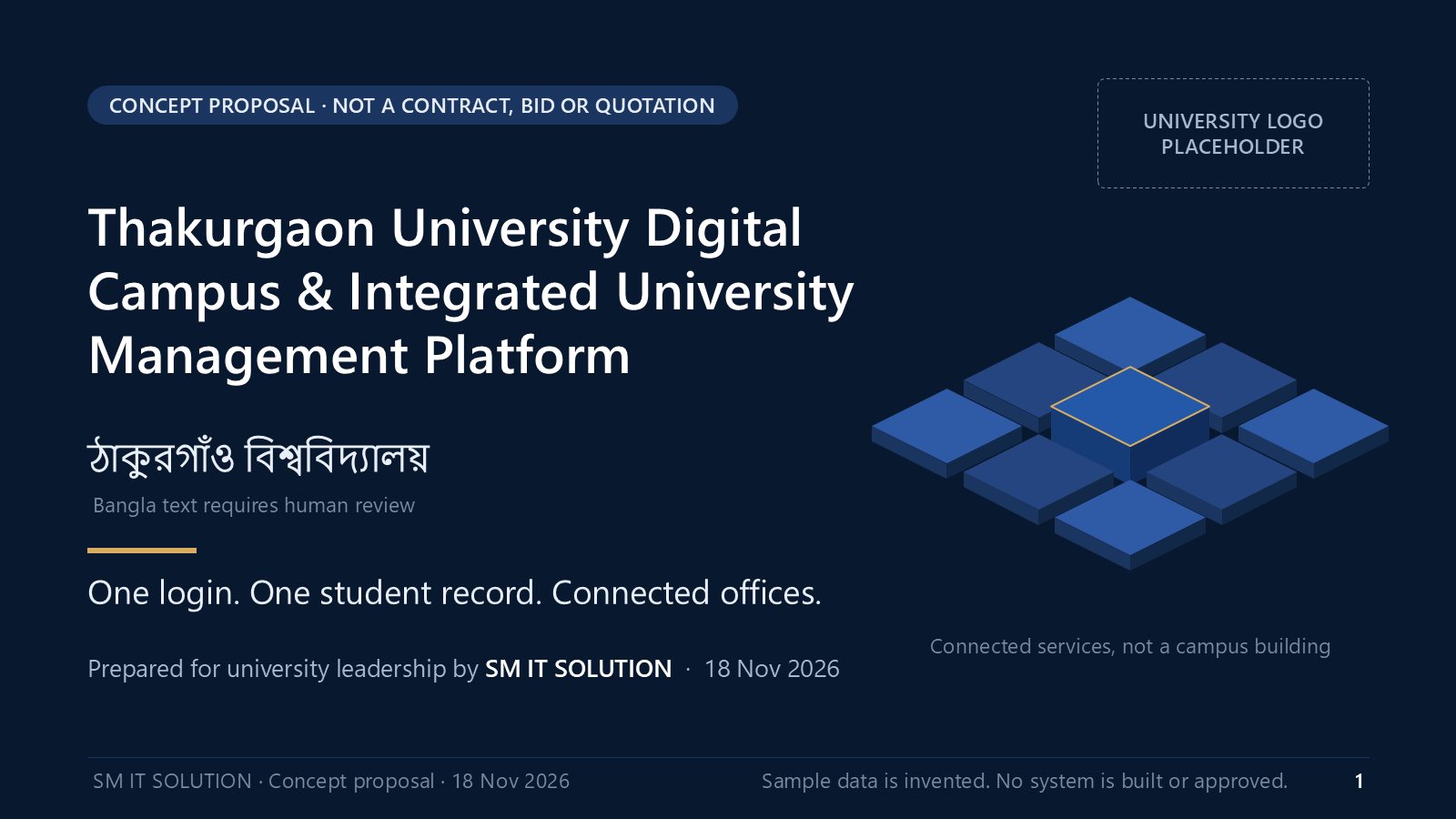
Slides 1 to 51 are the presentation in six chapters. Slides 52 to 84 are the appendix with a fact sheet for every system.
4
Hand-outs
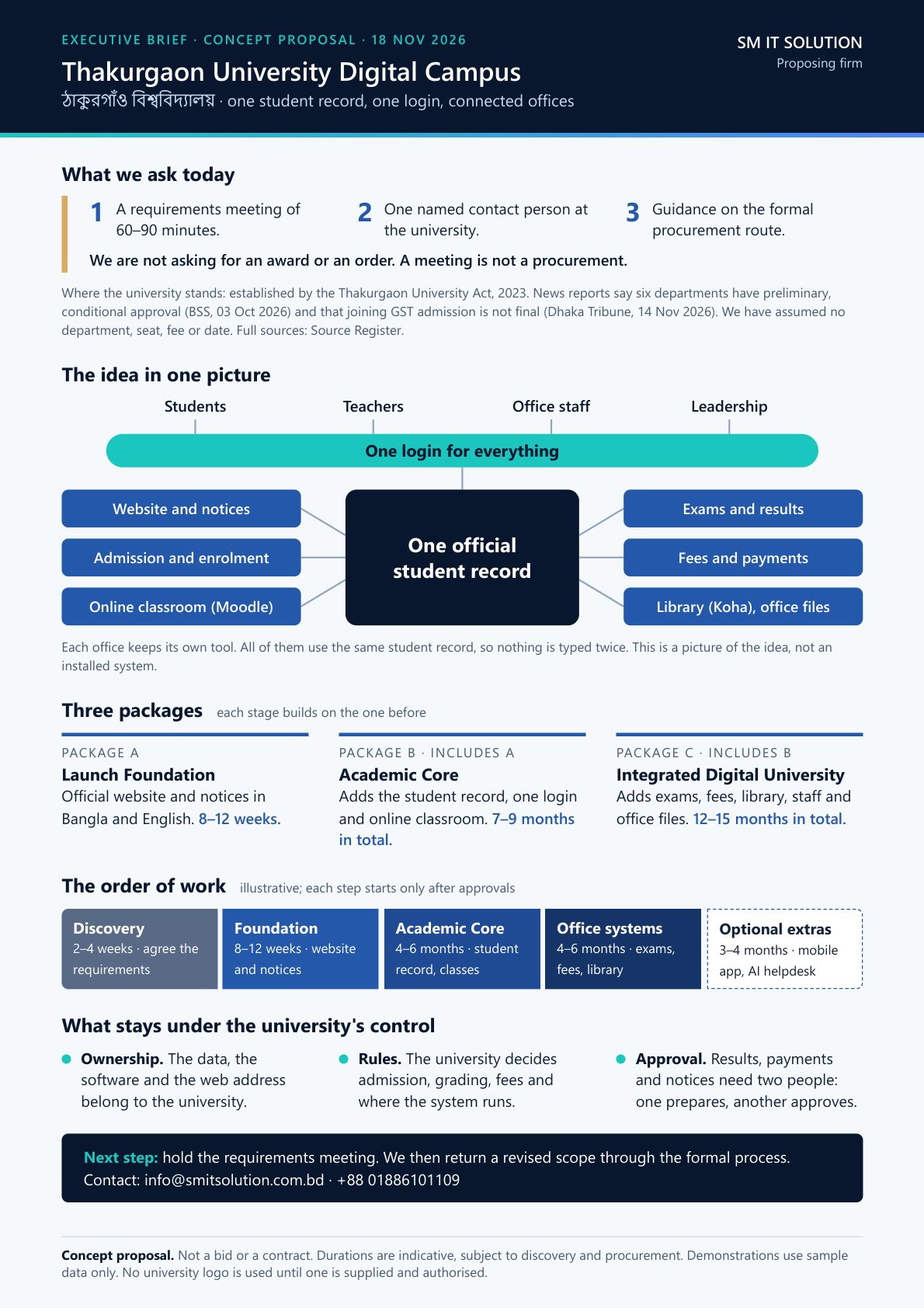
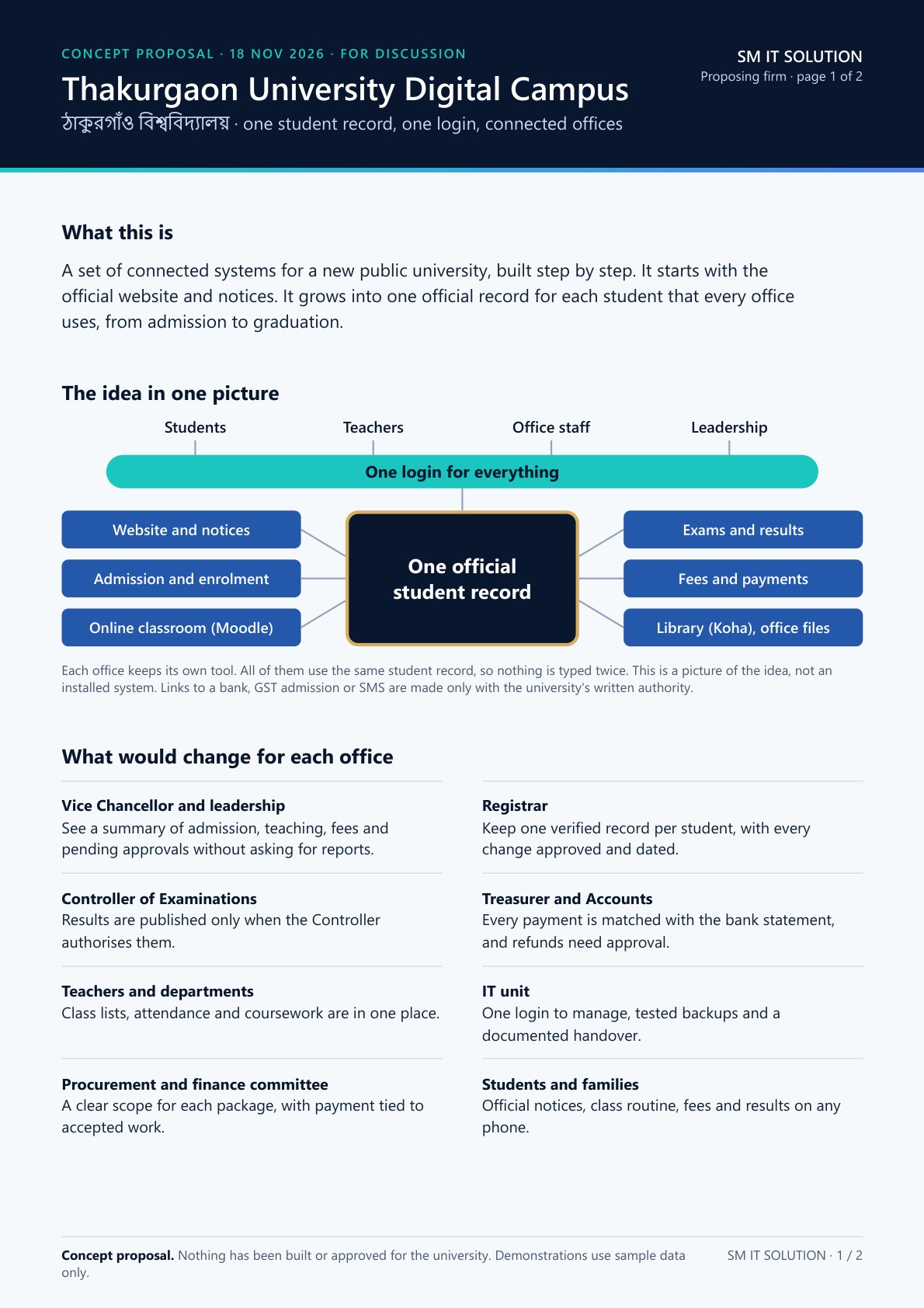
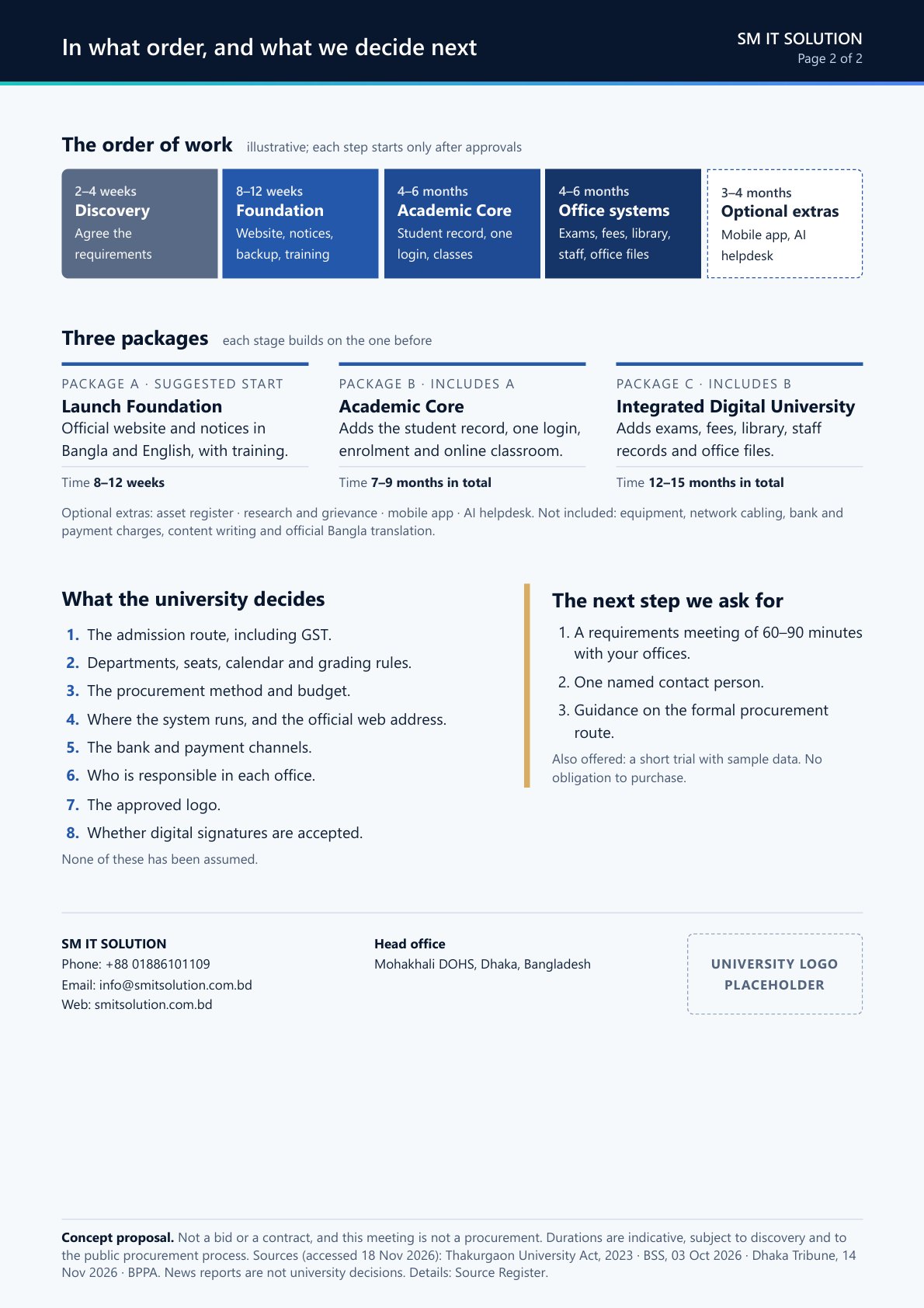
A one-page brief and a two-page summary. Company contact details are still to be added.
Please read this before sharing.
Everything here is a concept prepared by SM IT SOLUTION for discussion. Nothing has been built, installed or approved for the university, and the university has not selected any supplier.
Every name, ID, fee, mark and notice in the demonstration is invented sample data. Prices are planning estimates subject to discovery and to the public procurement process.